Recapro features
What Recapro already does for your meetings. Every feature on this page is available in your account.
Ask your meetings questions
Ask Recapro what was decided about the budget or who was supposed to call the client back. It answers from all of your meetings and shows you the passages its answer is based on. You can also dictate the question.
Ask a question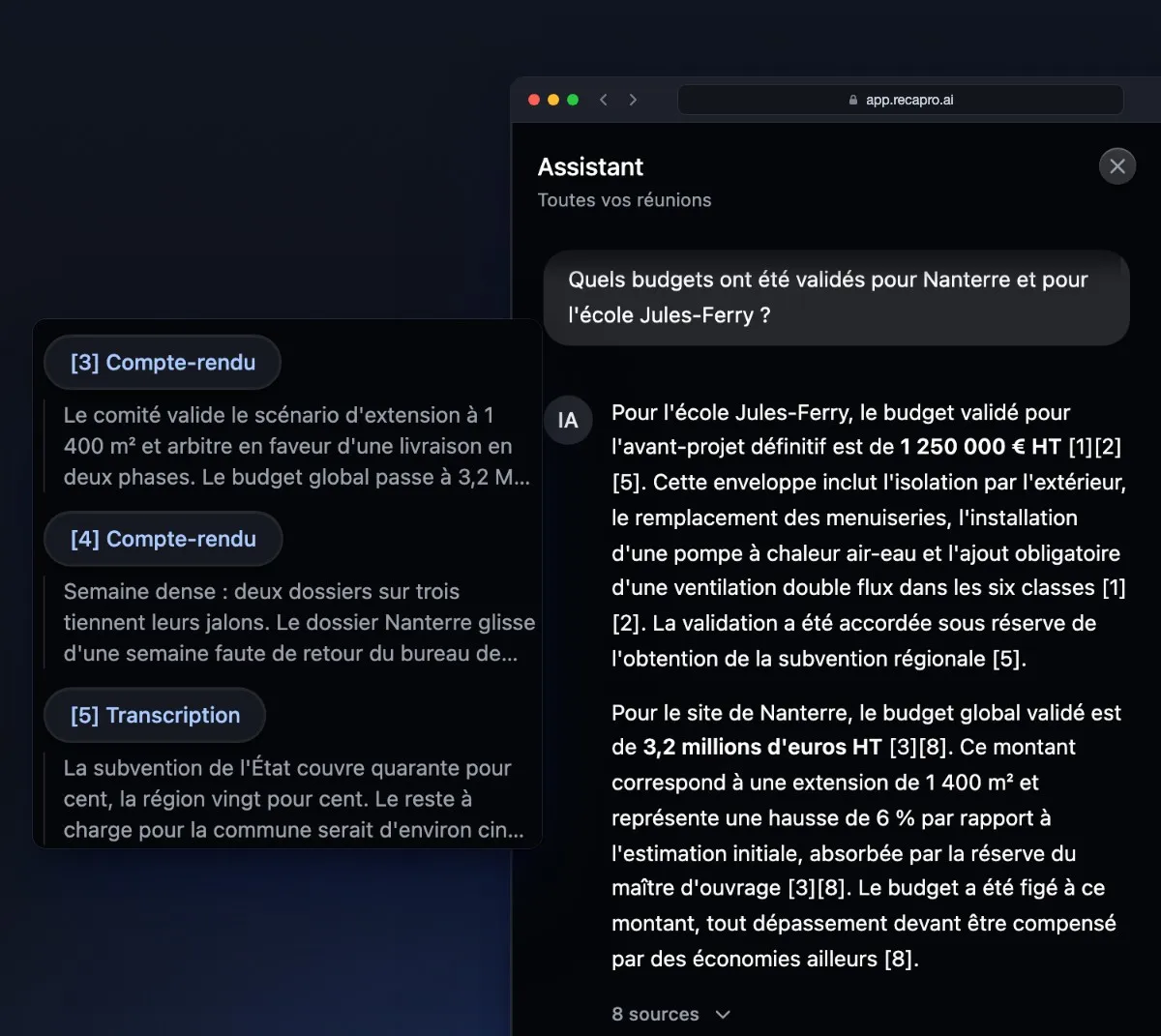
Import your audio and video files
A voice recorder, an exported video call, a video: drop the file and Recapro turns it into a summary, filed under the recording date. Import works from the desktop app or in the browser.
Import a file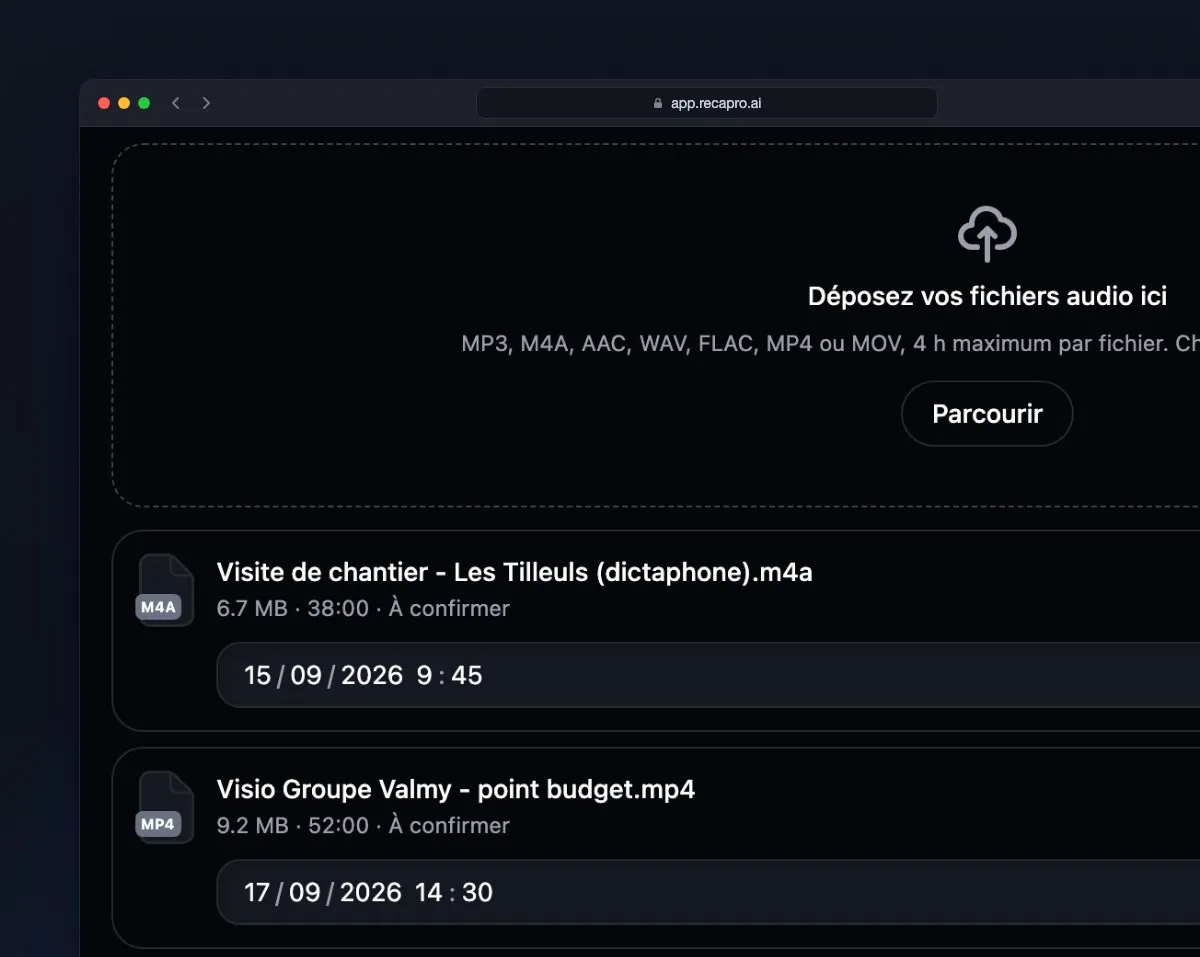
Recapro recognises voices from one meeting to the next
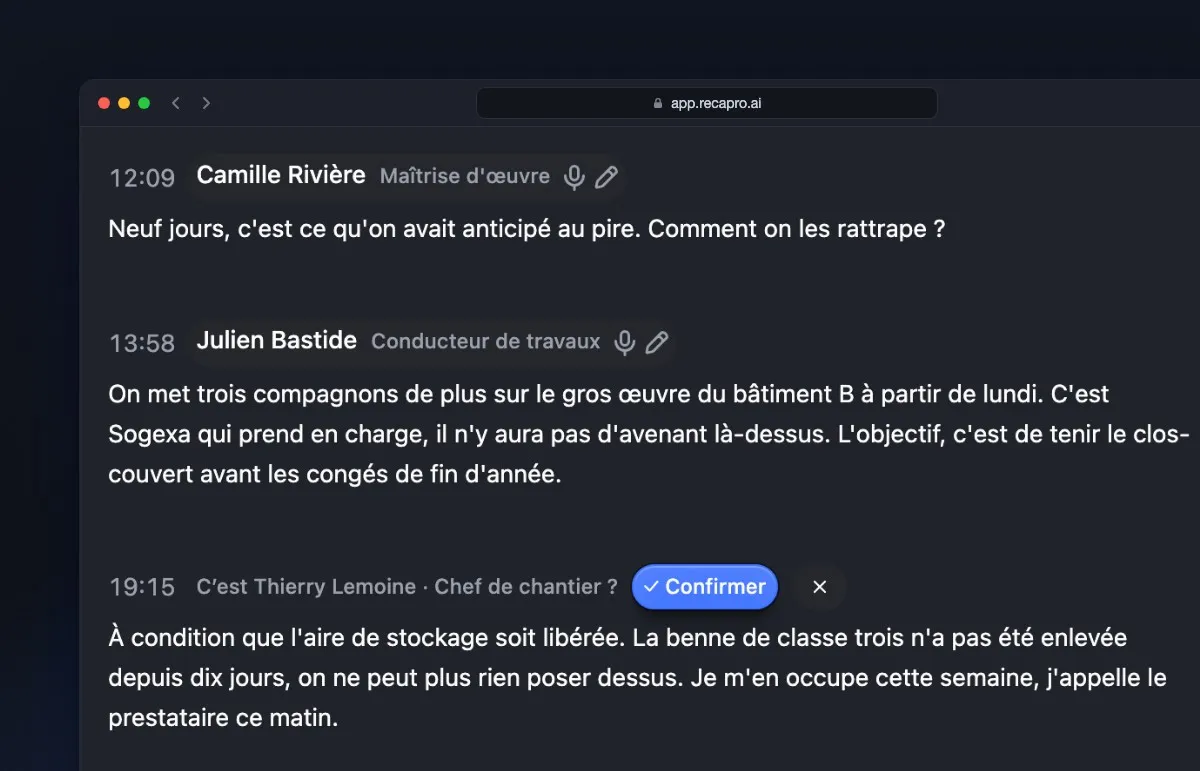
Name a person once. In your following meetings, Recapro recognises their voice and puts their name on what they say, in the transcript and in the summary.
Summaries in the format your job needs
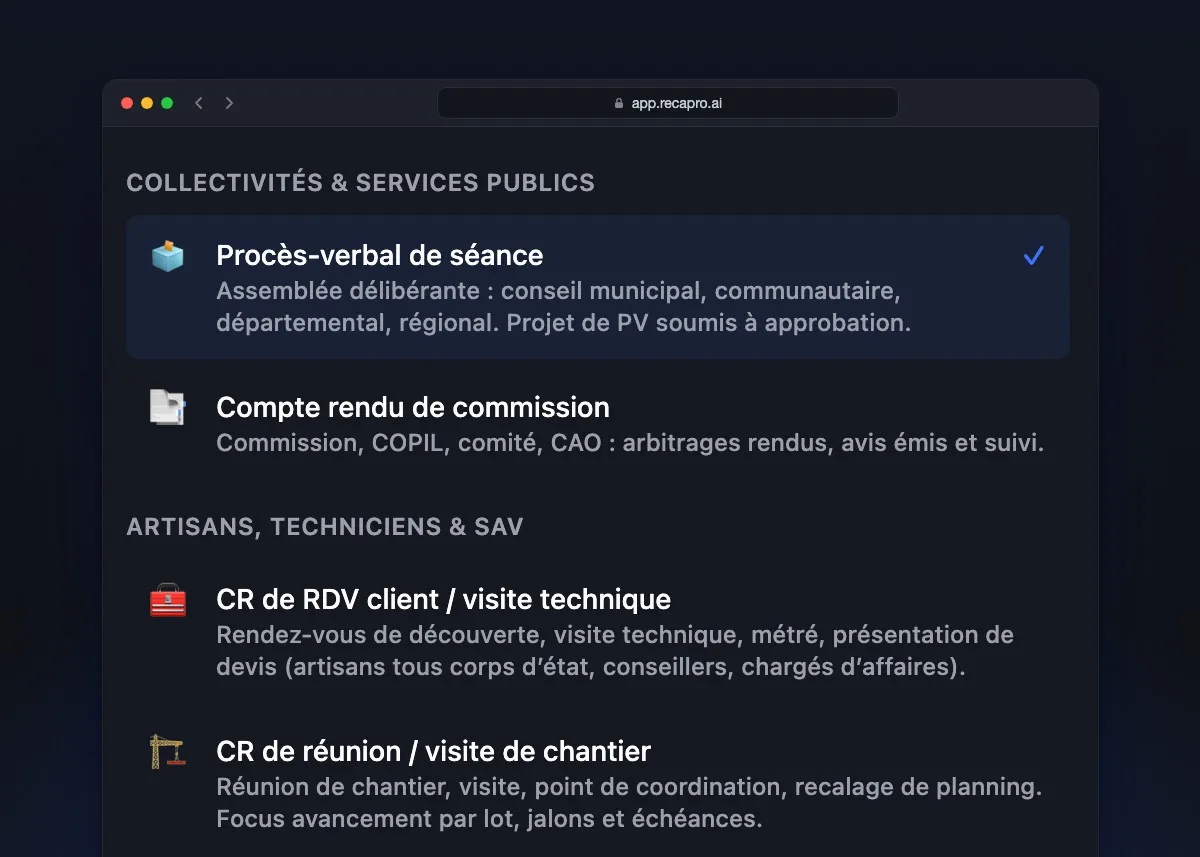
Board minutes, committee report, site visit, service call: pick the format your job expects, and the summary comes out in that shape.
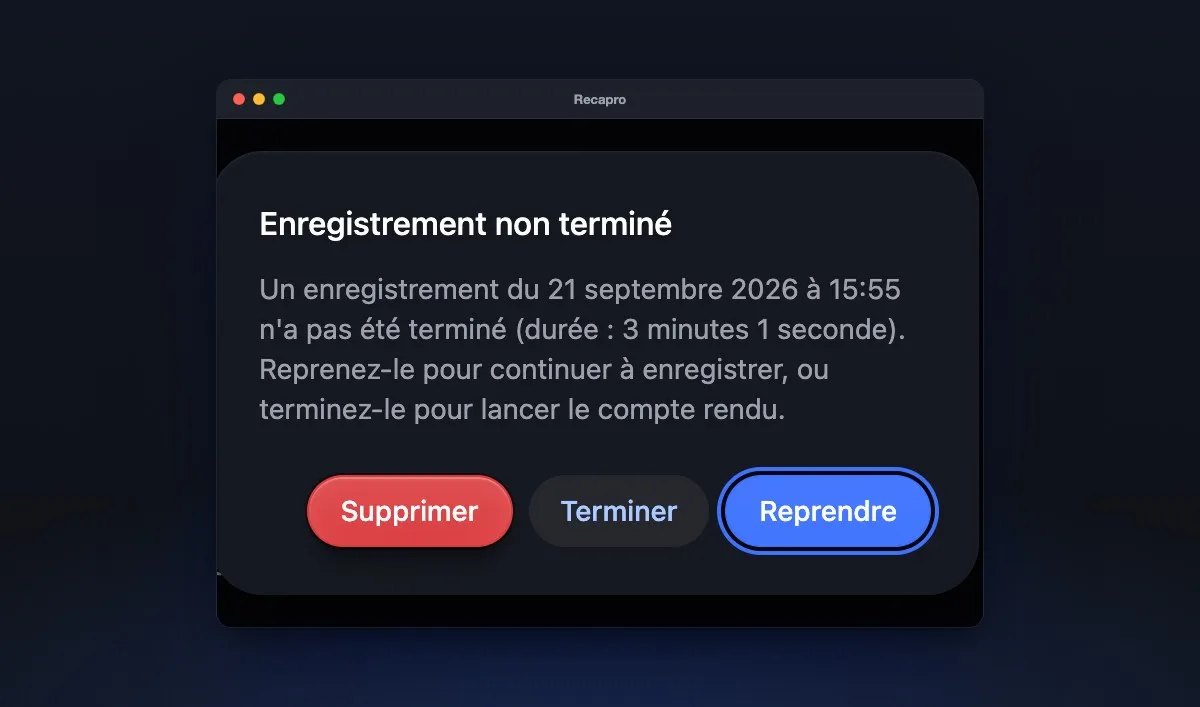
A recording that doesn’t get lost
On desktop, Recapro warns you when the disk fills up, a microphone is unplugged or the battery runs low. If the computer crashes, the recording is waiting for you on restart.
Invite your team by link
Create an invitation link and send it to your colleagues: they join your organisation from that link. Team seats are managed in the settings.
Invite a colleague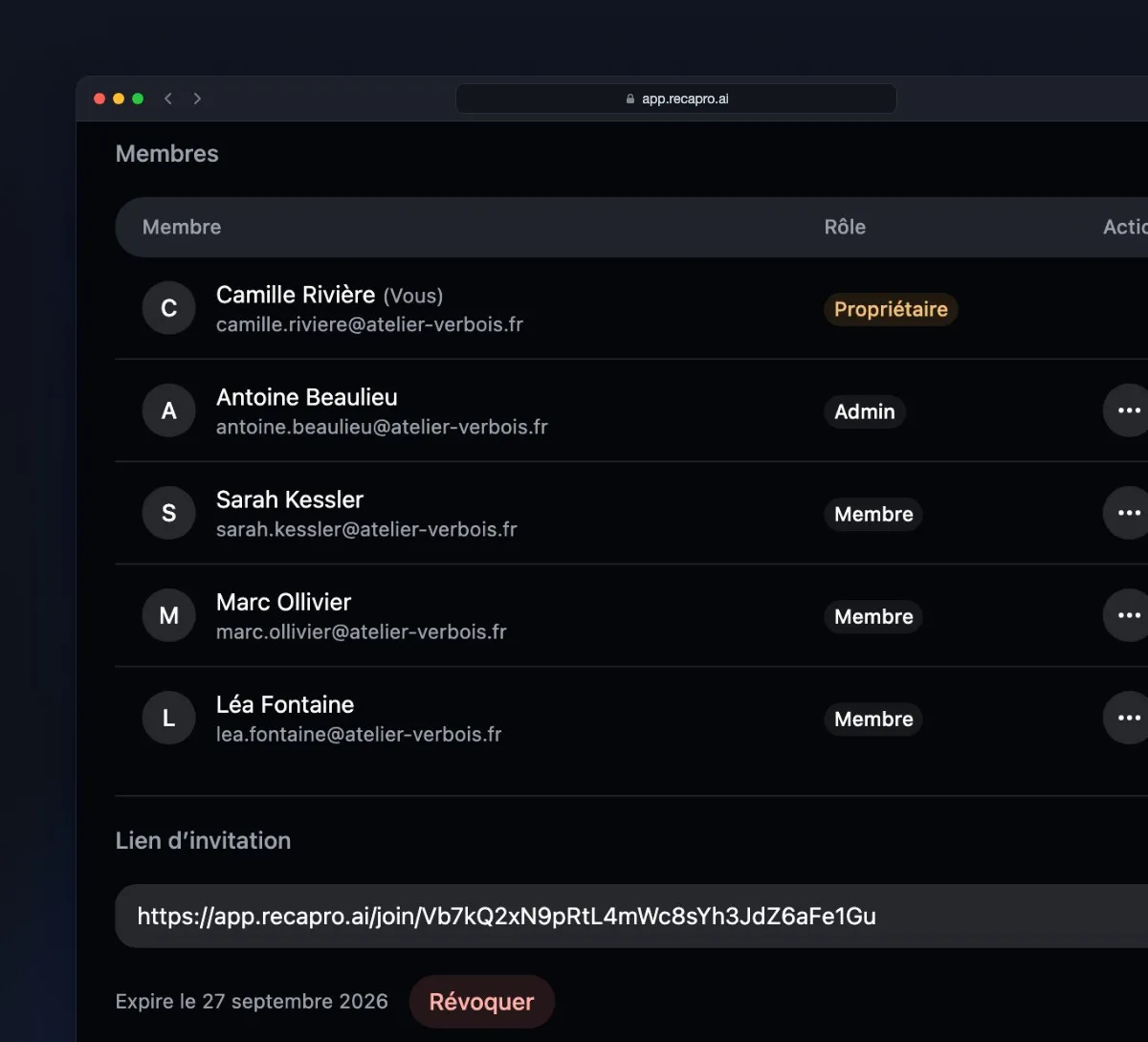
Try them on your own meetings
Start for freeGoing further
- Download Recapro The desktop app for Mac and Windows, installed in a few minutes. See the downloads
- Bot-free meeting recording How the app captures an in-person or online meeting without inviting a robot participant. See bot-free recording
- Security and subprocessors What leaves your machine, what is stored, and where. Worth reading before the first recording. Read the security page
- Frequently asked questions Summary formats, supported languages, offline behaviour, billing. The questions people ask before trying. Read the FAQ